Hybrid Security Systems Complete Guide 2026
Best of both worlds – DIY installation with optional professional monitoring
Hybrid Security System Cost Overview
Equipment
Installation
Self-Monitor
Pro Monitor
Hybrid Security System (DIY Install + Optional Pro Monitoring) Example
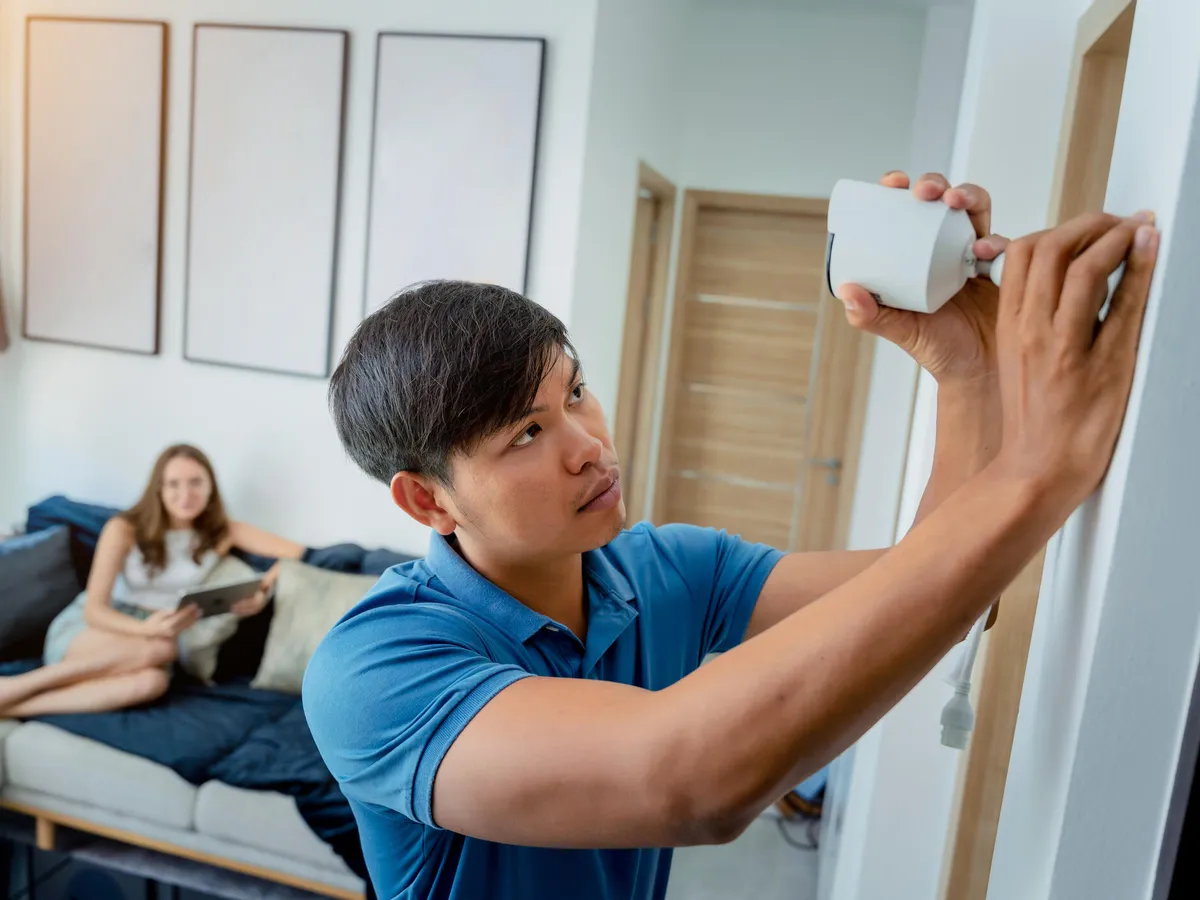
Hybrid Security Systems: Complete Analysis
Professional-grade equipment with DIY installation and flexible monitoring options
Hybrid System Advantages & Limitations
Major Advantages
Ultimate flexibility: Monitor yourself or upgrade later
Professional quality: Same equipment as pro systems
No contracts: Month-to-month monitoring option
Cost control: Pay only for what you use
Easy installation: Wireless setup in hours
Scalable system: Add components anytime
Multiple options: Several monitoring levels
Key Limitations
Higher equipment cost: More than basic DIY kits
Technical setup: More complex than plug-and-play
Limited brands: Fewer options than pure DIY
App dependency: Must use manufacturer’s platform
Monitoring cost creep: Easy to add expensive features
Integration limits: May not work with all smart home devices
Support varies: Quality depends on company
Leading Hybrid Security Systems
Top companies offering DIY install with professional monitoring options
Hybrid Security System Companies 2026
| Company | Equipment Cost | Self-Monitor | Pro Monitor | Key Features |
|---|---|---|---|---|
| Abode Systems | $279 – $599 | Free | $20-30/mo | HomeKit support, no contracts |
| Scout Alarm | $299 – $399 | Free | $19.99/mo | Open API, local storage |
| Ring Alarm Pro | $299 – $449 | Free | $10-20/mo | Built-in router, Amazon integration |
| SimpliSafe (Premium) | $299 – $499 | Free | $17.99/mo | Easy setup, camera options |
| Blue by ADT | $199 – $399 | Free | $19.99/mo | ADT backing, DIY friendly |
| Kangaroo Security | $159 – $299 | Free | $10/mo | Budget option, basic features |
Detailed Hybrid System Analysis
In-depth look at the top hybrid security platforms
Top Hybrid Security Systems Compared
Abode Systems
Standout features:
• Apple HomeKit native support
• Works with Z-Wave devices
• CUE automation engine
• LTE cellular backup
Best for: Apple ecosystem users
Monitoring: Self or professional
Scout Alarm
Unique approach:
• Open API for developers
• Local hub storage
• Works without internet
• Integration with SmartThings
Best for: Tech enthusiasts
Monitoring: Always armed service
Ring Alarm Pro
Amazon integration:
• Built-in eero router
• Works with Ring cameras
• Alexa voice control
• Professional installation option
Best for: Amazon ecosystem
Monitoring: Self or professional
Blue by ADT
ADT backing:
• Professional monitoring option
• Google Assistant integration
• Camera streaming included
• Easy DIY installation
Best for: ADT brand trust
Monitoring: Self or ADT professional
Kangaroo Security
Budget hybrid:
• Lowest cost option
• Simple app interface
• Basic monitoring features
• Motion camera included
Best for: Budget-conscious
Monitoring: Self or basic professional
SimpliSafe Gen 3
Proven platform:
• Secret alerts mode
• 24/7 professional monitoring
• SimpliCam integration
• Easy sensor replacement
Best for: Reliability focus
Monitoring: Self or professional
Monitoring Options Explained
Understanding the different levels of hybrid system monitoring
Hybrid Monitoring Service Levels
| Monitoring Level | Cost | Response | Features | Best For |
|---|---|---|---|---|
| Self-Monitoring | $0/month | You handle all alerts | App notifications, basic automation | Tech-savvy, low crime areas |
| Basic Professional | $10-15/month | Monitoring center alerts you | 24/7 monitoring, no police dispatch | Notification backup |
| Full Professional | $17-25/month | Police/fire dispatch | 24/7 center, emergency response | Complete peace of mind |
| Premium Service | $25-30/month | Enhanced response | Video verification, priority dispatch | High-value homes |
Professional Monitoring Process
Alarm triggered:
1. Monitoring center alerted (30 seconds)
2. Attempt to contact homeowner
3. Call emergency contacts
4. Dispatch authorities if needed
5. Follow up after resolution
Average response: 45 seconds to 2 minutes
Cost Comparison Reality
Year 1 costs:
• Self-monitor: $400 total
• Basic pro: $520 total
• Full pro: $604 total
Year 3 total:
• Self-monitor: $400
• Basic pro: $760
• Full pro: $1,004
Switching Flexibility
Upgrade anytime:
• Self to basic: Instant activation
• Basic to full: Same day upgrade
• Downgrade: End of billing cycle
Vacation mode: Temporary upgrades
No penalties: Change as needed
Monitoring Considerations
Self-monitoring limits: You must have phone service and respond quickly. False alarms are your responsibility. Professional monitoring benefits: 24/7 coverage, trained operators, established police relationships. Insurance discounts: Professional monitoring typically qualifies for 10-20% discounts vs 0-5% for self-monitored.
Installation Process & Timeline
Step-by-step hybrid system installation guide
Hybrid System DIY Installation
Pre-Installation (30 minutes)
Unbox and inventory:
• Check all components against list
• Download manufacturer app
• Create account and register system
• Plan sensor placement
• Test hub location for WiFi signal
Tools needed: Drill, screwdriver, level
Hub Setup (45 minutes)
Base station installation:
• Connect to power and internet
• Update firmware (automatic)
• Configure WiFi and cellular backup
• Set up user accounts
• Test cellular connection strength
Critical: Central location for best range
Sensor Pairing (60-90 minutes)
Device enrollment:
• Start with door/window sensors
• Add motion detectors
• Install smoke/CO detectors
• Pair cameras last
• Name each device logically
Test range: Walk to final location
Physical Installation (2-3 hours)
Sensor mounting:
• Clean all mounting surfaces
• Use adhesive or screws
• Check sensor alignment
• Secure keypad at entry point
• Install cameras with proper angles
Pro tip: Test before permanent mount
Configuration (60 minutes)
System customization:
• Set armed/disarmed modes
• Configure entry/exit delays
• Create automation rules
• Set notification preferences
• Add emergency contacts
Training: Practice with family
Testing & Optimization (45 minutes)
System validation:
• Trigger each sensor individually
• Test armed/disarmed modes
• Verify all notifications work
• Check camera video quality
• Document all settings
Total time: 4-6 hours typically
Installation Best Practices
Range testing: Walk to property boundaries while monitoring signal strength. Add repeaters if needed. Sensor placement: Door sensors need precise alignment. Motion detectors work best in corners 7-8 feet high. False alarm prevention: Start with conservative settings, adjust based on experience.
Real Estate Investment Analysis
Hybrid systems for property investors
Primary Residence
Recommended system: Abode or Scout
Total investment: $400-700
Strategy: Start self-monitored
Benefits:
• Learn system behavior patterns
• Add monitoring when traveling
• Maximum flexibility and control
• Insurance discounts when monitored
3-year cost: $400-1,000 vs $2,500+ pro
Rental Properties
Best approach: Ring Alarm Pro
Investment per unit: $300-500
Tenant strategy: Optional monitoring
Advantages:
• Landlord retains system ownership
• Tenant can add monitoring if desired
• Move system between properties
• Attract tech-savvy tenants
Rent premium: $75-125/month
Multi-Family Properties
Hybrid advantage: Common area security
Investment: $1,000-3,000
Focus areas: Entries, parking, mail
Considerations:
• Professional monitoring recommended
• Tenant privacy compliance
• Insurance requirement coverage
• Property management integration
ROI: Reduce liability, attract tenants
Hybrid vs Pure DIY vs Professional
Complete comparison of all security system approaches
Security System Approach Comparison
| Factor | Hybrid System | Pure DIY | Professional |
|---|---|---|---|
| Initial Cost | $300-800 | $100-400 | $0-600 |
| Installation | DIY (4-6 hours) | DIY (2-4 hours) | Professional included |
| Equipment Quality | Professional grade | Consumer grade | Professional grade |
| Monitoring Options | Self or professional | Self only typically | Professional required |
| Monthly Cost | $0-30 | $0-10 | $30-60 |
| Contracts | None | None | 12-36 months |
| Flexibility | High | Very high | Low |
| Support Quality | Good | Basic | Excellent |
| Insurance Discounts | 5-15% (if monitored) | 0-5% | 10-20% |
| 3-Year Total Cost | $300-1,500 | $100-500 | $1,000-3,000 |
Choosing the Right Hybrid System
Decision framework for selecting your hybrid security solution
Home Size Considerations
Small homes (1-2 BR): Kangaroo or Ring Alarm basic. Medium homes (3-4 BR): Abode or SimpliSafe systems. Large homes (5+ BR): Scout or Blue by ADT for expandability.
Smart Home Integration
Apple users: Abode for native HomeKit. Amazon users: Ring Alarm Pro with built-in router. Google users: Blue by ADT or SimpliSafe. Tech enthusiasts: Scout for open API.
Budget Optimization
Start with basic kit, expand gradually. Monitor price trends – hybrid systems often go on sale 40-60% off during Black Friday and Amazon Prime Day. Factor in ongoing monitoring costs when comparing.
Security Needs Assessment
High crime area: Professional monitoring recommended. Frequent travel: Remote monitoring essential. Elderly residents: Medical alert integration important. Rental property: Prioritize portability.
Monitoring Decision Timeline
Month 1-3: Self-monitor to learn system. Month 4-6: Add monitoring if false alarms under control. Month 7+: Evaluate insurance discount vs monitoring cost. Adjust seasonally for travel periods.
Expansion Planning
Buy systems that support 50+ devices minimum. Plan sensor locations for future expansion. Consider camera upgrade paths. Budget 30-50% more than initial kit for first-year additions.
Frequently Asked Questions
Common questions about hybrid security systems
Ready to Choose Your Hybrid Security System?
Compare all security options and find the perfect balance of cost and features

Knowledge Quiz: Hybrid Security Systems
Open Quiz
5 quick questions - see how much you learned!
1) What is the typical equipment cost range for a complete hybrid security system?
Answer: B
The guide’s cost overview lists hybrid system equipment at $300–$800 for a complete setup.
2) What makes a hybrid security system “hybrid” compared to pure DIY?
Answer: D
Hybrid means you install it yourself, then choose self-monitoring ($0) or professional monitoring ($10–$25/month) when you want.
3) Which monitoring level typically includes police/fire dispatch?
Answer: A
In the guide’s monitoring table, Full Professional includes police/fire dispatch. Self-monitoring does not.
4) What is the recommended “learning period” strategy before paying for monitoring?
Answer: C
The guide recommends starting with self-monitoring first to learn your system behavior and reduce false alarms, then upgrading later if needed.
5) Which statement best reflects the 3-year cost comparison between hybrid and traditional professional systems?
Answer: B
Your table shows hybrid can land around $300–$1,500 over 3 years vs traditional professional systems around $1,000–$3,000, largely because monitoring is optional and flexible.
🔒 More Security System Guides
Explore our complete security system library
View All Security Guides (40+) ▼
👮 Professional Monitored Systems
📷 Security Cameras & Video
🔐 Smart Locks & Access Control
🚨 Sensors & Detectors
🔧 DIY & Self-Monitored
📱 Control & Monitoring
Last updated: Jan 2026
Sources: Hybrid security system manufacturers, consumer testing reports, security industry analysis, insurance provider guidelines, Builds and Buys research team